FrameworX AI Designer Launch
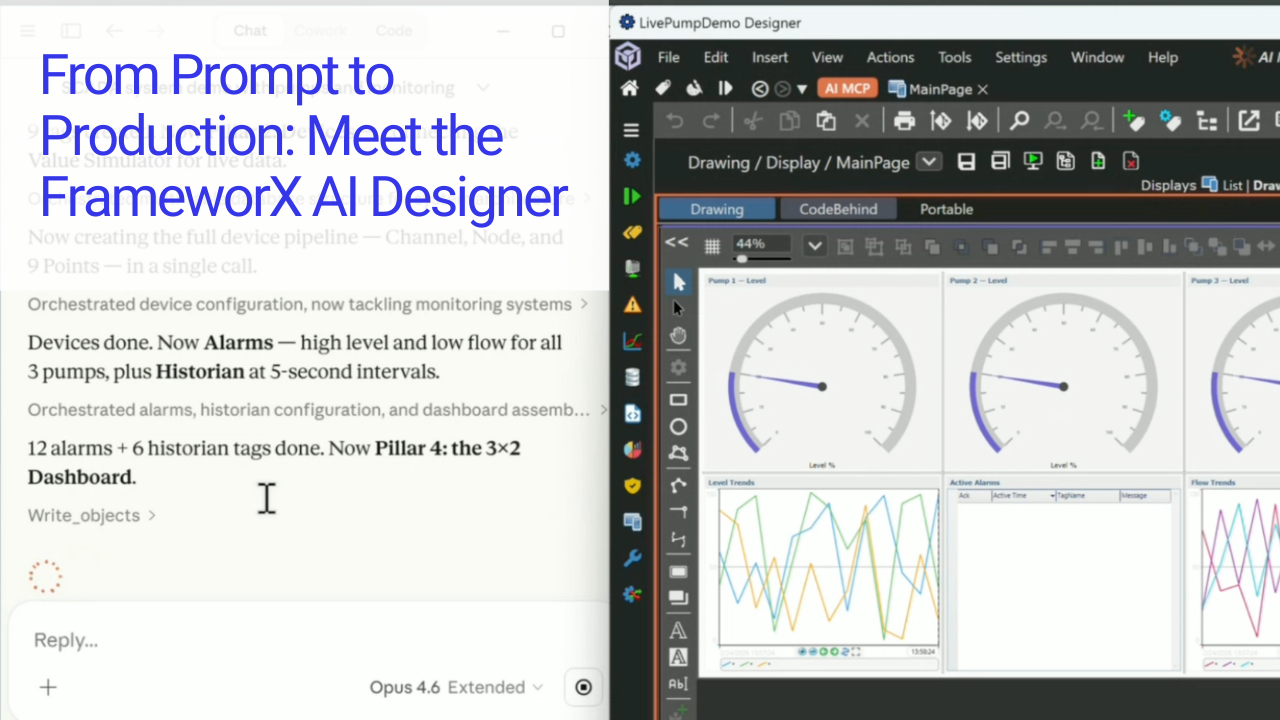
FrameworX AI Designer connects AI directly to the live Designer IDE. Describe what you need in plain language. AI creates everything.
FrameworX AI Designer connects AI directly to the live Designer IDE. Describe what you need in plain language. AI creates everything.
This Tech Bite session, presented in partnership with CODESYS, explores how Tatsoft’s FrameworX platform enables modern SCADA, edge computing, and AI-ready industrial applications. The presentation covers core SCADA capabilities, high-performance…
Technical session focused on applying machine learning inside industrial software and how ML results can become usable operational signals.
Our new tutorials are step-by-step instructions that guide users through creating working solutions.
On October 1st, we officially launched FrameworX 10.1. Check out the full launch event here.
In this hands-on demo, Scott Gray (Senior Solutions Consultant at Tatsoft) shows how to configure FrameworX’s built-in Sparkplug B MQTT broker to bridge the gap between OT and IT systems.…
In this webinar, we explored some of the key features of FrameworX Version 10. FrameworX Version 10 features a refreshed Solutions Designer for faster, more intuitive navigation, and with technology…
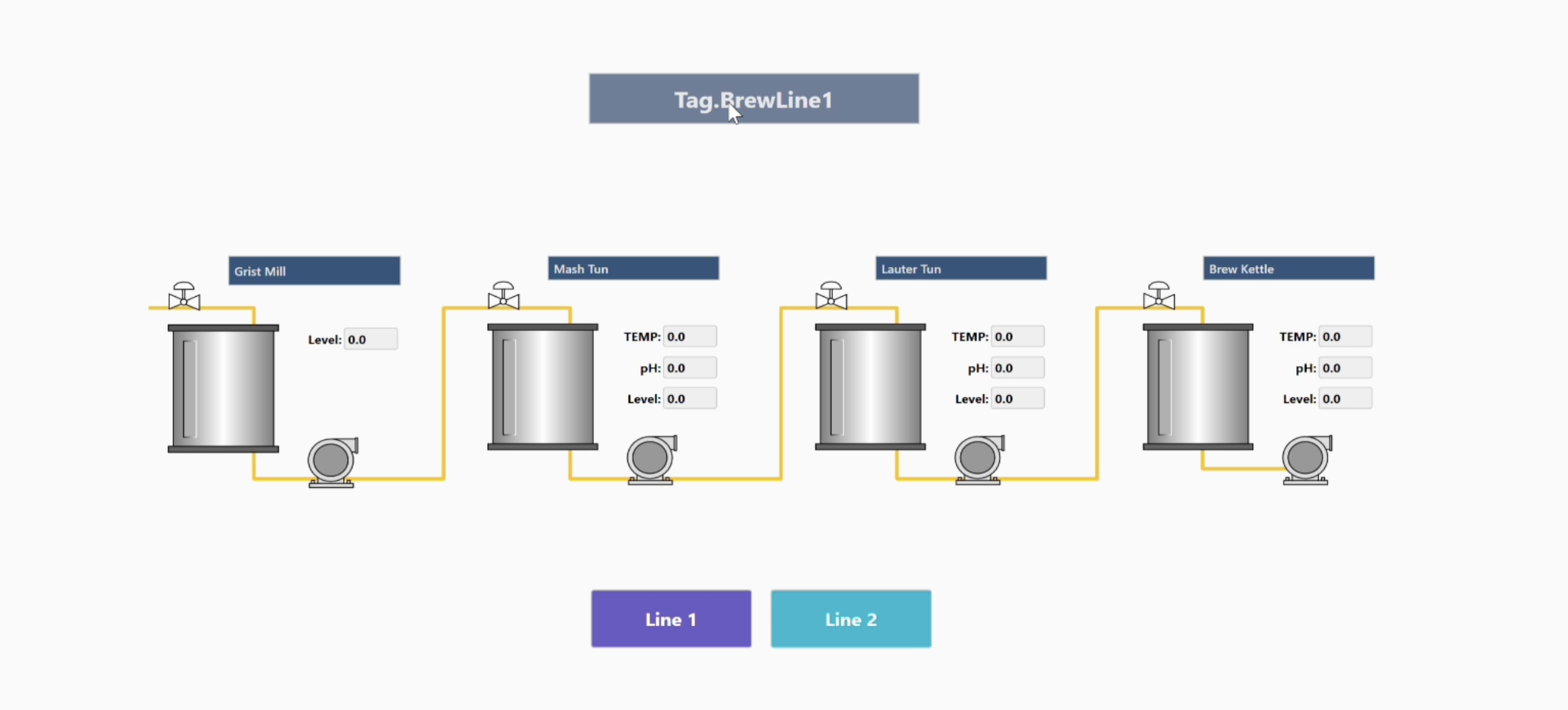
The Brewery Tutorial guides users through the concepts and steps for configuring a software platform for brewery plant operations. It covers creating and integrating Tags and Templates, defining Asset Models, connecting Devices for operation, designing Displays and Symbols for user interaction, and configuring Alarms for alerts.
Our free training website is meant to help you reach your goals with the entire family of software products – FrameworX Unlimited, FactoryStudio, Edge HMI, and Edge Gateway! Our new version…

Our free training website is meant to help you reach you goals with the entire family of software products – FrameworX Unlimited, FactoryStudio, Edge HMI, and Edge Gateway! The training is…