For the engineer who owns a running InTouch application and has to decide where it lives for the next ten years.
If you run an AVEVA InTouch HMI application (Wonderware InTouch, an AVEVA trademark [A6]), you already know it works. Your operators trust it and the plant runs on it. What you have to decide is where that application lives next. In a move to FrameworX the data moves, the screens are rebuilt, and the size of the job can be measured before you commit to it. I want to say plainly what each of those means.
Know the destination before you choose it
AVEVA’s own documentation describes two kinds of InTouch application: standalone, which is tag based, and managed, which is object based inside System Platform [A1].
Two facts on AVEVA’s pages matter here. To show a standalone application in the InTouch Web Client, its windows are first converted to Industrial Graphics [A2]. And AVEVA offers an InTouch Conversion Service that carries out the conversion and re-implementation of classic InTouch applications [A3].
So a standalone application moving to the web client or to System Platform is a project too. Whatever destinations you compare, the first step is the same for all of them. Know exactly what is in the application you have today.
What moves as data
Tags, PLC addressing, alarm definitions and history settings are structured records, and structure survives a move. InTouch gives you the way out itself. The DBDump utility writes the tag dictionary to a CSV file [A4], and the application itself lives in one folder [A1].
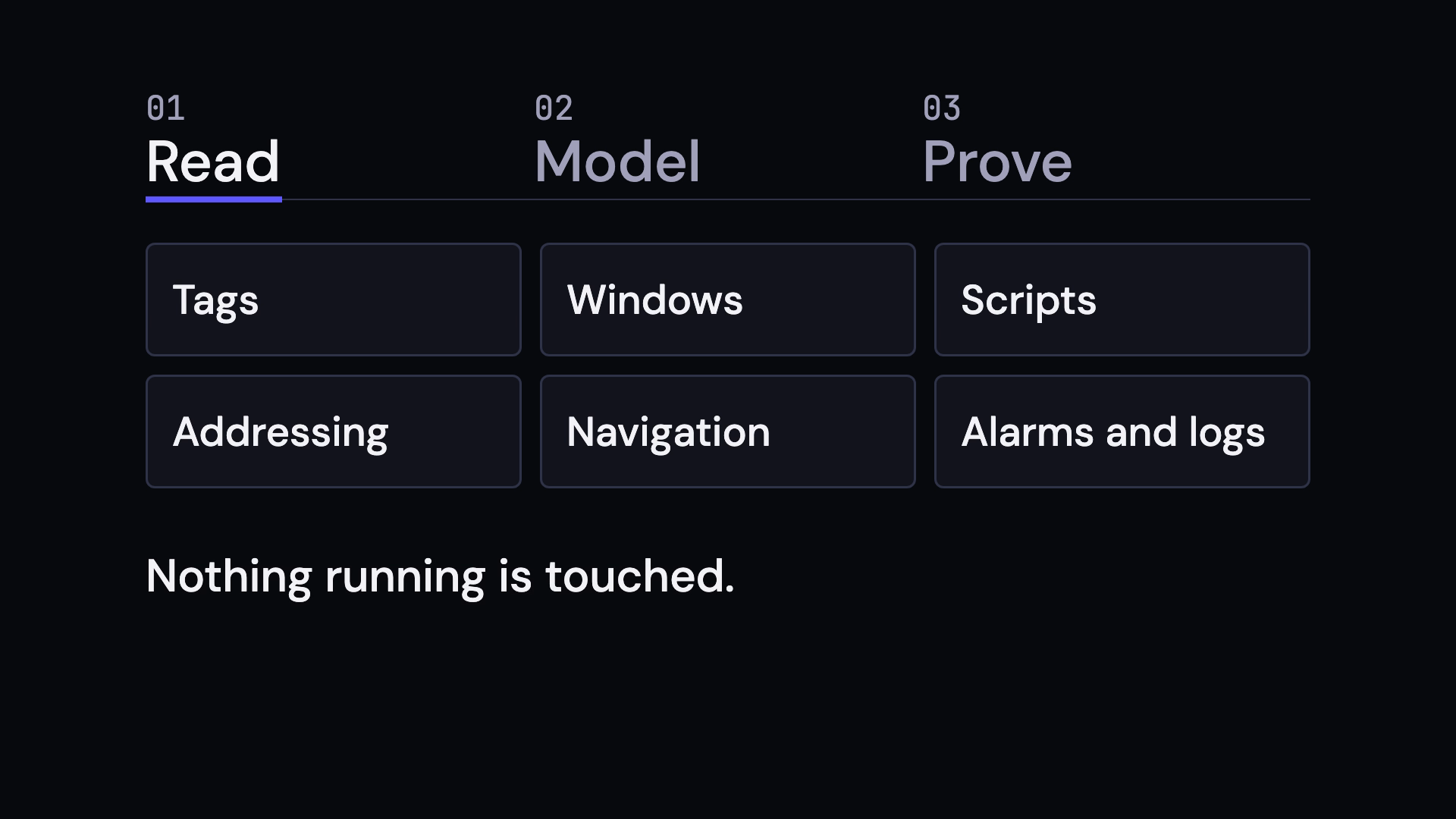
We read that folder back object by object before anyone quotes anything. Our example report is a de-identified water treatment application drawn from delivered projects. The reading counted 126 operator windows, 7,553 tags, 614 alarms and 556 historized points, and every one of them was accounted for afterwards.
What gets rebuilt
Screens are rebuilt. I would rather you hear that from me now than from your own engineers after the quote. Each screen is generated as a live display from the plant model, so it carries the structure of the model with it.
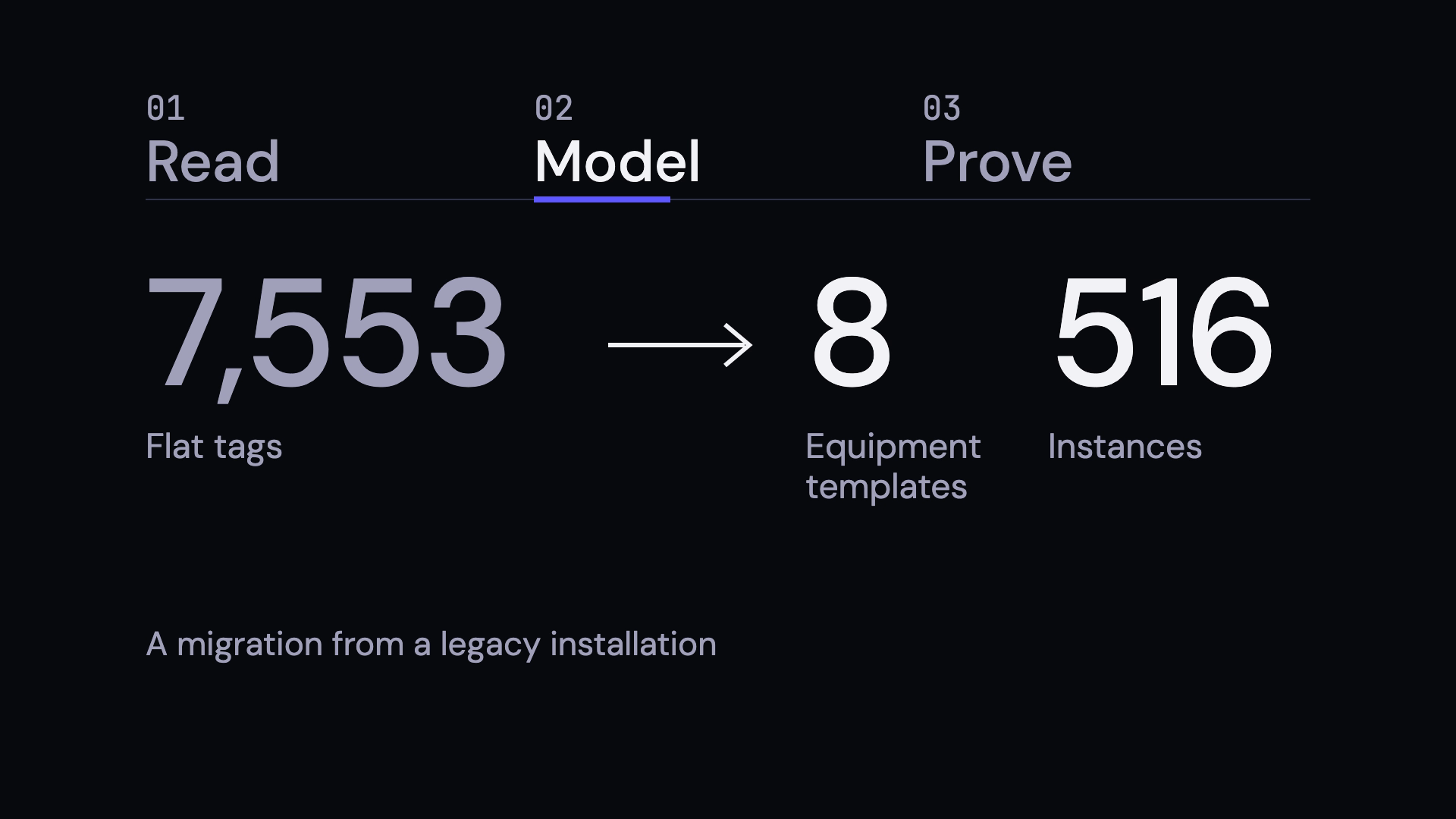
That model is where the rebuild pays for itself. In the example, the source tag dictionary was flat. The same pump on two process trains carried two unrelated names, and only the naming convention held them together. There, 6,800 of the 7,553 tags came out as members of 8 equipment templates instanced 516 times. Add a pump and you add an instance. Change the template and every instance follows.
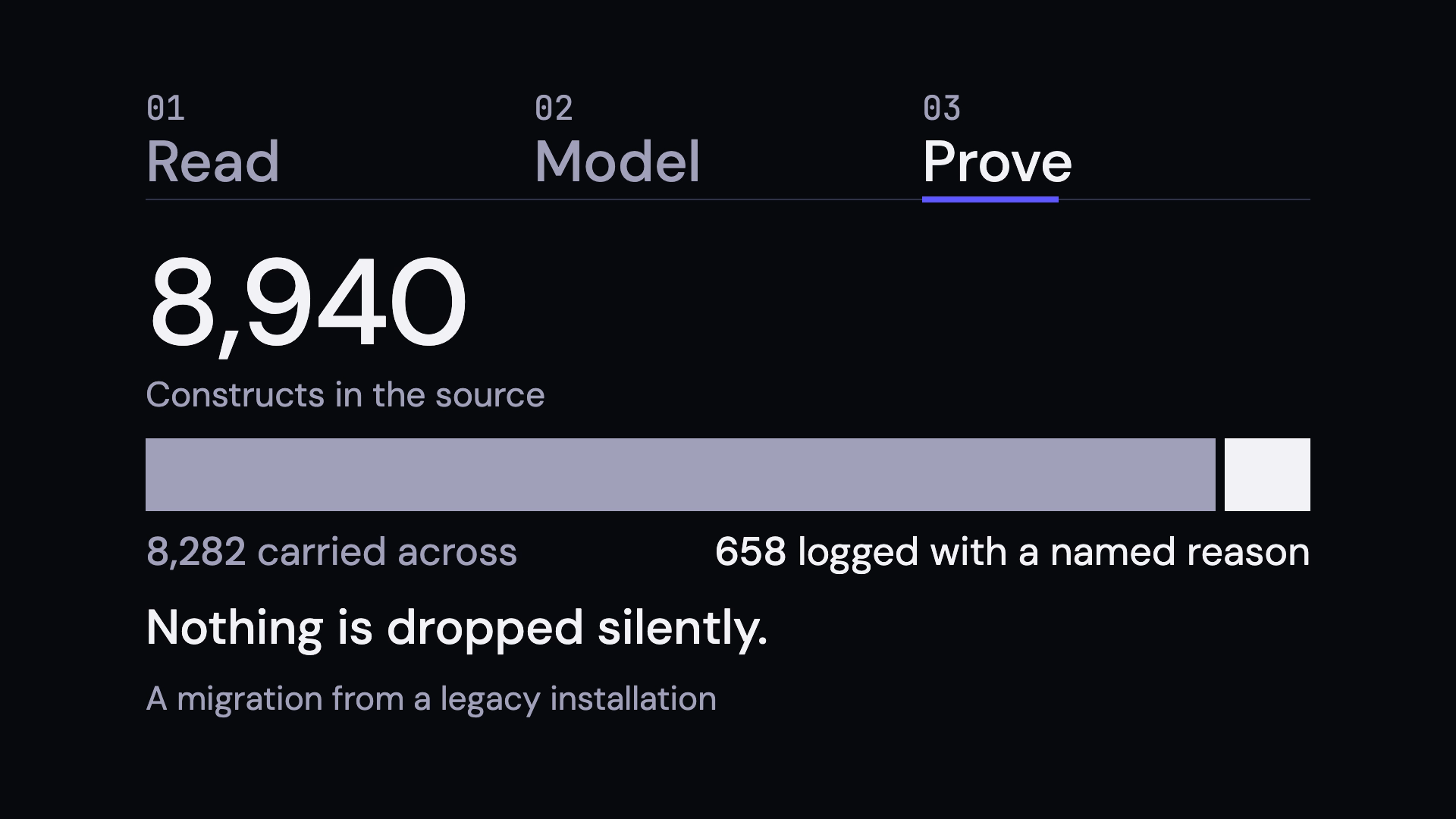
Scripts shrink for the same reason. Of 143 scripts in the example, 30 were translated and 113 were logged with a reason, most of them because the behavior somebody coded by hand is configuration on the new platform. Nothing is dropped quietly. All 8,940 constructs in the source were either translated (8,282) or logged with a named reason (658).
What you have on the other side
A FrameworX display is configured once and runs on desktop, web and mobile clients, the web client on WebAssembly [F1]. Scripts are C# and Python 3 with direct access to tags [F2]. An AI agent can work on the application with you through the MCP servers FrameworX documents today, for the Designer, the Console and the Runtime [F3]. You bring the model, local or hosted. FrameworX ships none.
AVEVA’s 2026 release adds Python and C# through server-side methods and XML import and export of industrial graphics, and announces an MCP Server for later in the year [A5]. If you are weighing both roads, ask your AVEVA contact which of these apply to your application type.
Where our tooling is today
Tatsoft does not ship an automated InTouch converter. The work in this guide is done by engineers, following a method we ran on delivered projects, in five stages that each prove their own output before the next one starts. An importer that brings the tag database, alarms, history and addressing across inside the product is in development. Nothing in this guide depends on it.
Who is doing the reading
In 1997 our team designed InduSoft (now AVEVA Edge), and from 2009 FrameworX. The people who read your application have built this class of software for three decades.
Start with the assessment
Send us a read-only copy of the application folder and we tell you what is in it: the file inventory, the tag model, the addressing scheme, the alarm and history census, and a one-page map of the navigation. The report is yours whatever you decide.
With the report comes a fixed price for the migration, quoted from its counts. If you don’t accept the result, you don’t use it and you don’t pay for the migration.
On 15 October we read a real HMI application back and rebuild it live in one hour. Bring yours: a free assessment, a fixed price, and you pay only if you accept the result.
Register: https://tatsoft.com/webinar-scada-hmi-migration/
Sources
- [A1] AVEVA, InTouch HMI documentation, standalone and managed application types, https://docs.aveva.com/bundle/intouch-hmi/page/663816.html, read 2026-10-12.
- [A2] AVEVA, InTouch HMI documentation, viewing standalone application windows in the Web Client, https://docs.aveva.com/bundle/intouch-hmi/page/511540.html, read 2026-10-12.
- [A3] AVEVA, InTouch HMI Conversion Service, https://www.aveva.com/en/products/aveva-intouch-hmi-conversion-service/, read 2026-10-12.
- [A4] AVEVA, InTouch HMI documentation, DBDump utility, https://docs.aveva.com/bundle/intouch-hmi/page/323051.html, read 2026-10-12.
- [A5] AVEVA blog, AVEVA Operations Control 2026, posted 2026-07-10, https://www.aveva.com/en/perspectives/blog/aveva-operations-control-2026-a-modern-foundation-for-open-connected-and-ai-ready-hmi-scada/, read 2026-10-12.
- [A6] AVEVA, trademarks, https://www.aveva.com/en/legal/trademarks/, read 2026-10-12.
- [F1] Tatsoft, Desktop, Web and Mobile Clients, https://docs.tatsoft.com/display/FX/Desktop%2C+Web+and+Mobile+Clients
- [F2] Tatsoft, Python and .NET Integration, https://docs.tatsoft.com/display/FX/Python+and+.NET+Integration
- [F3] Tatsoft, MCP and Claude Setup, https://docs.tatsoft.com/display/FX/MCP+and+Claude+Setup
Facts about AVEVA products checked against AVEVA’s own pages on the dates shown.
AVEVA, InTouch and Wonderware are trademarks of AVEVA and its subsidiaries. Tatsoft is not affiliated with AVEVA.
Aim High. Start Simple. Scale Without Limits.