The team that designed InduSoft (now AVEVA Edge) and FrameworX
Migrate your HMI or SCADA application to FrameworX
Most plants run a human-machine interface (HMI) or SCADA application built ten to twenty-five years ago, on a platform that has aged underneath it. We move that application to FrameworX, so you keep the engineering in it and evolve the platform underneath.
Or watch a real HMI application migrated live, start to finish (20 minutes)
Everything you send is held in confidence.
Why migrate
Why migrate a legacy HMI or SCADA application?
Upgrading a legacy application often pays for itself in lower maintenance cost alone. The larger return comes after the move: a platform that lets you improve the process and take it further than the old application can.
Maintenance covers the move
The maintenance you already pay on the old platform often covers the move on its own.
Compliance back within reach
Security requirements have tightened. A current platform is what puts compliance back within reach.
Room to keep growing
Operations run faster, and the system can keep growing, on a platform built for it.
Why most plants wait
Most plants wait for three reasons: the application works, the engineer who built it has left, and the cost of change is unknown. The first two are reasons to keep the application. The third is the one the assessment removes: it answers the cost question before anyone quotes.
Why us
Why Tatsoft for the migration?
For nearly thirty years our team has built the software plants run on. We designed InduSoft (now AVEVA Edge) in 1997, and FrameworX today.
The full story is on Where FrameworX comes from.
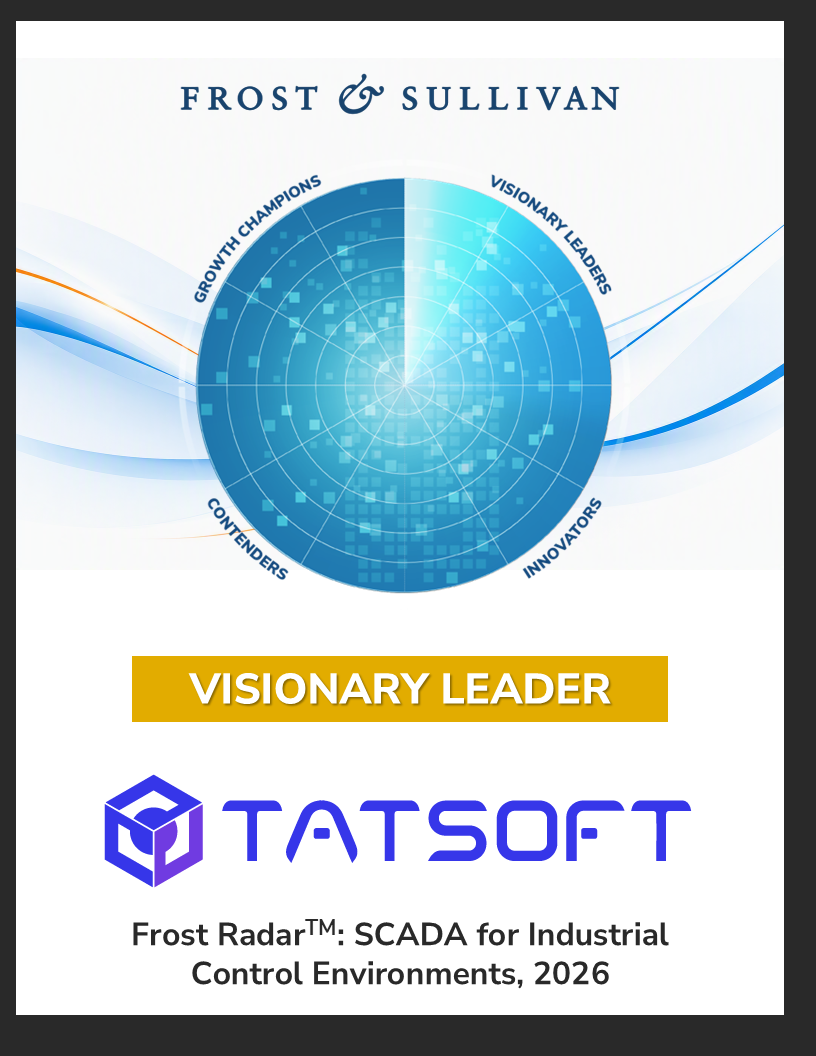
Named a Visionary Leader in the Frost Radar: SCADA for Industrial Control Environments, 2026.
We put that experience together with what AI can do now, and the result is a procedure that moves a brownfield application onto a current platform reliably, and at a cost that makes the move worth doing.
Three MCP servers, all modules included, all released and supported today. How FrameworX AI works
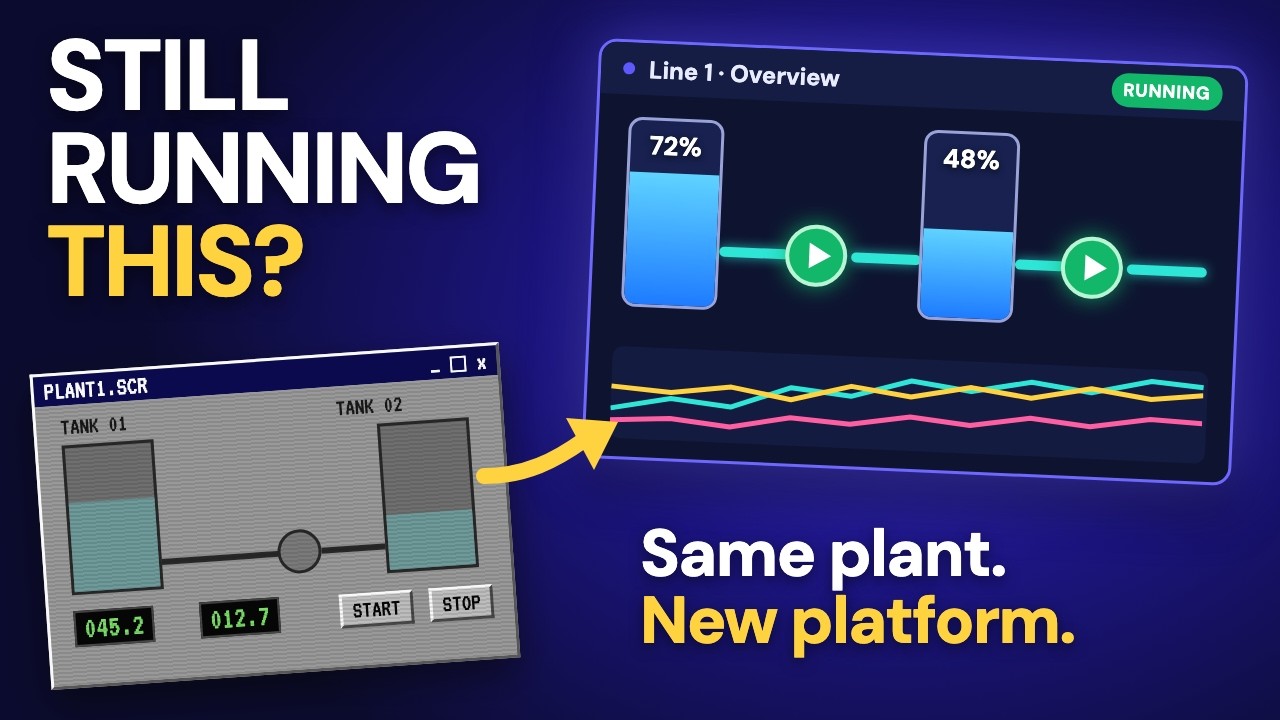
Watch the 3 minute film: how we rebuild on a plant model instead of copying screens.
The method
How does the migration work?
In three steps: read, model, prove. We read the application back object by object, turn its flat tag list into a plant model, and verify the mapping of tags and addresses, so the solution you run today is preserved rather than approximated.
Read
We read your application back to you object by object: tags, PLC addressing, alarms, history and every screen.
Model
A flat tag list becomes a plant model. We rebuild on that model instead of copying screens.
Prove
The mapping of tags and addresses is automated and verified, so the solution you run today is preserved rather than approximated.
Our published example, drawn from delivered projects and fully de-identified.

Watch it run: a partner's real HMI application, migrated live during our October 15, 2026 webinar, start to finish in 20 minutes. Watch the full webinar
The offer
Looks like magic. Verified like engineering.
Send one existing HMI or SCADA application. In two to five working days you get a written report, a few of your own screens running in FrameworX, and one fixed price. You pay only if you accept the result.
One application per company.
Aim High. Start Simple. Scale Without Limits.
Send your application
Start with the assessment.
We read your application back to you object by object, and you get a written report in two to five working days.
Held in confidence
- Everything you send is held in confidence.
- We use it for one purpose only: the report we return to your company.
- Nothing is installed on your system and nothing running is touched.
File too large, or the upload stops?
The form takes files up to 20 MB. Two more ways to send your application:
- Email it to [email protected].
- Ask for a folder on our Cloud File Server in the "Describe your application" box below, and we set it up for you.